GLB has no texture after import? How to fix missing textures
You import a GLB, OBJ or FBX and the model is plain grey or white. Most of the time the texture is not lost: the app is not showing it, or the image files were left behind. Work through the checks below in order.
If the file really has no texture, you can paint a new one in the AI 3D Texturing Studio and download a GLB with the texture inside.
What you need
- The model file you imported (GLB, GLTF, OBJ or FBX)
- Blender, if you follow the Blender checks
1In Blender, switch to Material Preview
This is the most common cause of "blender import glb no texture". Blender opens in Solid shading, which draws the model without its shader nodes, so every material looks plain.
Press Z in the 3D Viewport and choose Material Preview, or click the Material Preview button in the top-right of the viewport header. If the texture appears, nothing is missing. In Solid mode you can also set Color to Texture in the shading popover.
2Check that the texture files came with the model
A GLB keeps its images inside the one file. OBJ and FBX files usually do not: an OBJ lists its materials in a separate .mtl file, and the .mtl points to image files with lines such as "map_Kd wood.png". If you only have the .obj, or the .mtl points to a folder on someone else’s computer, the app finds no texture.
Keep the .obj, the .mtl and the images in one folder, with the image names the .mtl expects. In Blender, File › External Data › Report Missing Files lists what it cannot find, and Find Missing Files searches a folder for them.
3A .gltf needs its other files, or export a .glb
A .gltf is often saved as three parts: the .gltf, a .bin and the texture images. Sent on its own, it loses the rest. Export it again as glTF Binary (.glb), which packs everything into one file.
The texturing studio opens only single-file models, so a split .gltf shows this message: "This .gltf uses separate files. Please export it as one .glb".

The studio asks for a single .glb when a .gltf points to other files. 4Exported from Blender with no texture? Check the material
Blender’s glTF exporter writes the colour texture it finds as an Image Texture node connected to Base Color of a Principled BSDF. Procedural textures (Noise, Voronoi and others) are not images, so they do not come along: bake them to an image first.
Also check the export options: Materials set to Export (not Placeholder or No Export), and Images not set to None, which writes materials without textures.
5Compressed textures may not open everywhere
Some GLBs made for the web use KTX2 (Basis Universal) textures. Blender’s glTF importer does not list that extension, so those textures may not come in. Ask for a version with PNG or JPEG textures, or export one from the app that made the file.
6No texture at all? Paint a new one
If the file truly has no texture, upload it to the studio (GLB, GLTF, OBJ, STL, FBX or PLY, up to 60 MB), describe the look, and press Auto texture: 4 views (8 credits).
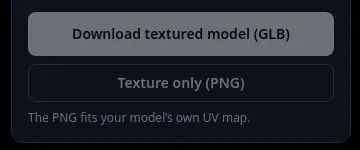
Download textured model (GLB) gives you one file with the texture inside, which opens in Blender with File › Import › glTF 2.0 (.glb/.gltf). Then switch to Material Preview to see it. Step by step: add a texture to a GLB online.
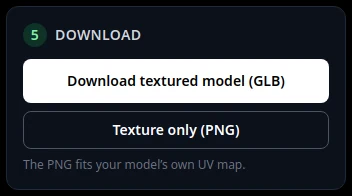
Box 5: the GLB carries the texture inside one file.
Tips
- An OBJ uploaded to the studio opens grey even when its .mtl has textures: the studio reads only the .obj. See add a texture to an OBJ online.
- Parts of the model still grey after AI texturing are a different problem: see fix grey spots.
Try it now
Model with no texture? Paint one in your browser.
Open the studioMore tutorials
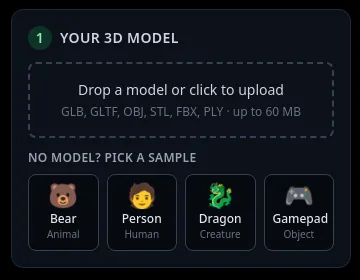 How to add a texture to a GLB file onlineFormats, size limit, and what you keep when you download.
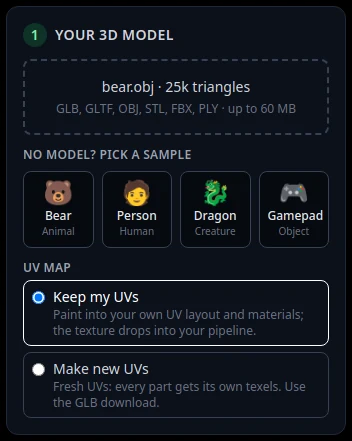 How to add a texture to an OBJ file onlineUpload the .obj, paint it with AI, use the PNG or the GLB.
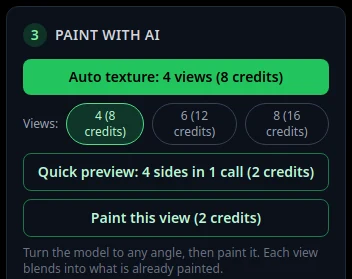 How to texture a Blender model with AIExport a GLB from Blender, paint it with AI, import it back.
 Download your textured GLB and use it in Blender, Unity, Unreal or GodotGLB vs PNG, and the exact import steps for each app.