Download your textured GLB and use it in Blender, Unity, Unreal or Godot
When the model looks right in the studio, box 5 Download gives you two files. This page explains which one to pick and how to open it in the common 3D apps.
What you need
- A painted model in the studio
1Pick GLB or PNG
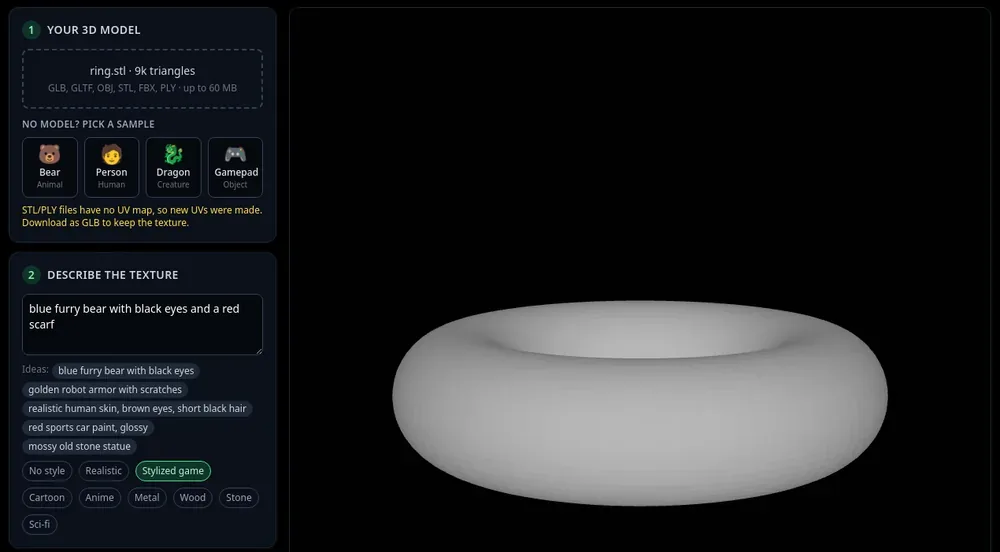
Download textured model (GLB): one file with the mesh and the new texture inside, in the same size and units as your upload. Pick this if the studio made new UVs (STL, PLY, Make new UVs, or a yellow note about new UVs). If the PBR preview in box 4 is on, the GLB carries the PBR maps too. The quick Download GLB button under the viewer does the same.
Texture only (PNG): just the image, matching your model’s own UV map (with Keep my UVs). Pick this when you want to keep working with your original file and only swap its colour texture.
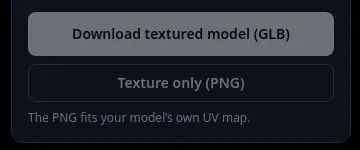
Box 5: GLB or PNG. 2Blender
File > Import > glTF 2.0 (.glb/.gltf) and choose the file. Switch the viewport to Material Preview to see the texture.
Using the PNG instead: open your own model, select its material, and in the Shader Editor connect an Image Texture node with the PNG to Base Color of the Principled BSDF.
3Unity
Unity does not read GLB out of the box. Install the glTFast package: Window > Package Manager, the + button, Add package by name, enter com.unity.cloud.gltfast. Then drag the .glb into your Assets folder.
Using the PNG instead: drag it into Assets, select your model’s material and set the PNG as its base map (Albedo / Base Map).
4Unreal Engine 5
In the Content Browser, use +Add > Import (or drag the .glb in). The Interchange import dialog opens; press Import. To place it in the level directly, use File > Import Into Level.
5Godot 4
Copy the .glb into your project folder. Godot imports it automatically; it shows in the FileSystem dock. Drag it into a scene, or double-click it to open the import settings.
Tips
- The PNG is named after your model, like bear_texture.png. A model with several materials or parts can get one PNG for each.
- Want the normal and ORM maps as separate images? Press PBR maps (PNG) in box 4: see make PBR maps.
- GLB is also what web viewers, three.js and Babylon.js load directly.
Try it now
Texture the Gamepad sample and download the GLB.
Open the gamepad sampleMore tutorials
 How to add a texture to a GLB file onlineFormats, size limit, and what you keep when you download.
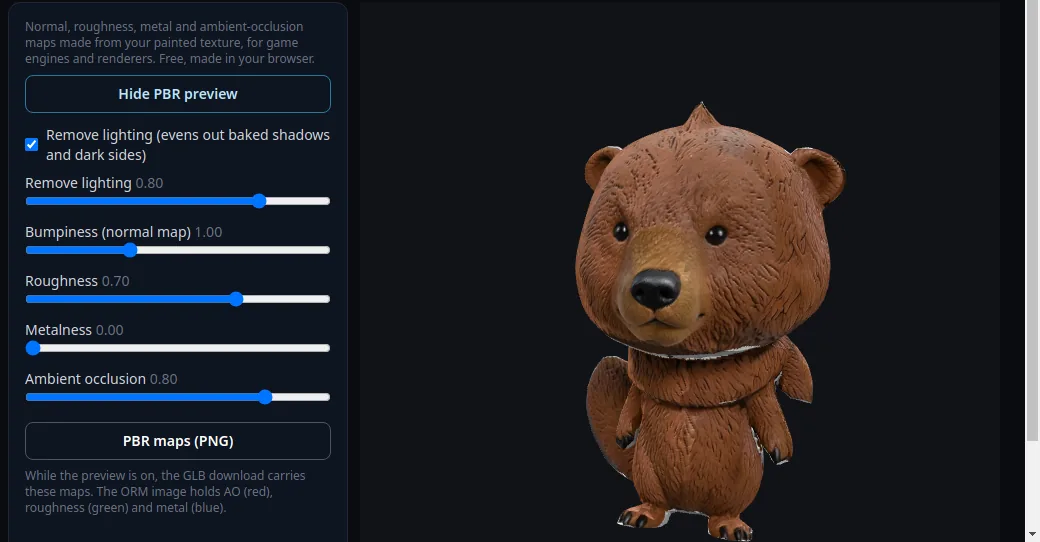 How to make PBR maps for a 3D modelNormal, roughness, metal and AO maps from your painted texture, free.
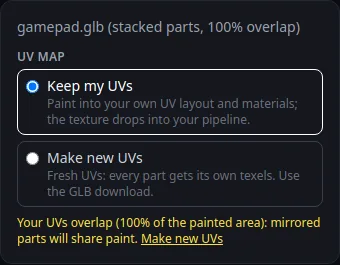 How to keep your own UV map when texturing with AIPaint into your existing UVs so the texture fits your file.
 How to texture an STL file for 3D printingSTL has no UVs or colour. Get UVs automatically, paint, export GLB.