AI 3D House Generator: Text or Photo to 3D House Model

Requires 15 Credits

Describe the outside of one house: style, storeys, roof, walls, colours

Choose whether to share your 3D model with our community gallery.

More options (seed, steps)

Controls randomness. Use the same seed to recreate identical results.

50

More steps produce higher quality but take longer to generate.

Describe your model above to start

⏱️ Most models are ready in about 1-3 minutes, sometimes longer when it's busy. Please keep this page open.

📸 Tip: Use images under 10MB for faster processing and fewer timeout issues

💡 Quick Tips

Name one house: style, storeys, roof, walls, one or two features

Say the colours: 'white walls, black roof, green door'

Leave out interiors, furniture and long lists of extra buildings

🎯 Model Quality

⚡
Fast Generation
About 1-3 minutes
🎨
High Quality
Detailed mesh

📤 Export Formats

GLBSTL

Every model you generate is saved in My Models.
AI 3D House Generator

Describe a house and get a textured 3D model of it in about 1-3 minutes. Spin it around, download it as GLB for games and Blender, or as STL to 3D print a model house.

🏠

Describe the House

Write the style, storeys, roof, walls and colours in one or two sentences

⚡

Ready in Minutes

Most models take about 1-3 minutes, sometimes longer when it is busy

🎨

Coloured Texture

The model comes painted with the wall, roof and door colours you asked for

💾

GLB, STL and More

Download GLB or STL right away; the formats menu adds OBJ, FBX, USDZ and 3MF

Other ways in

3D houses people made and shared

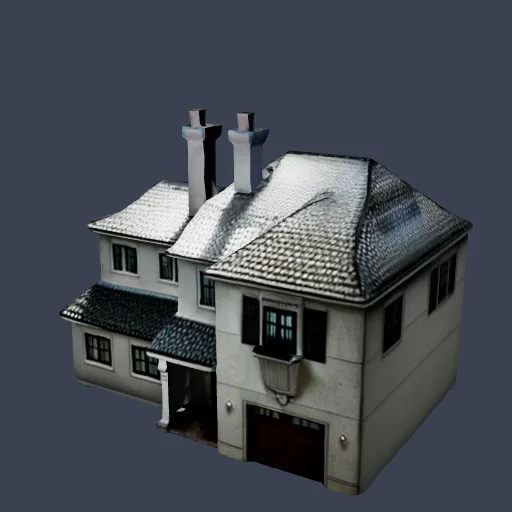
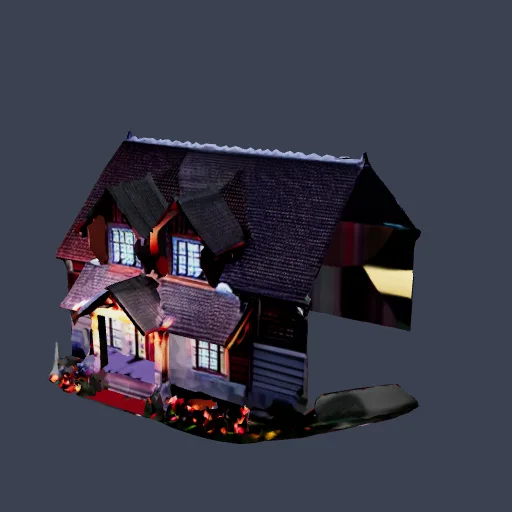
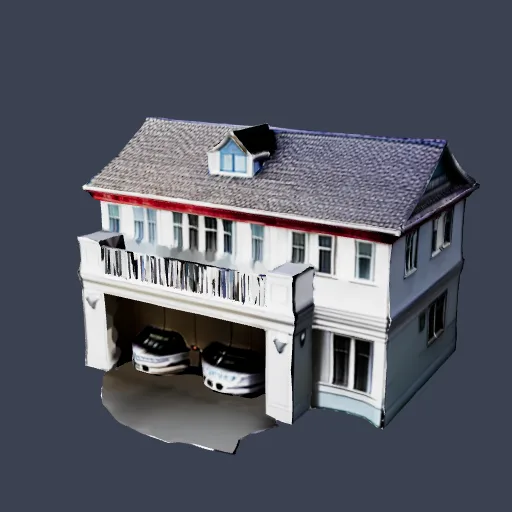
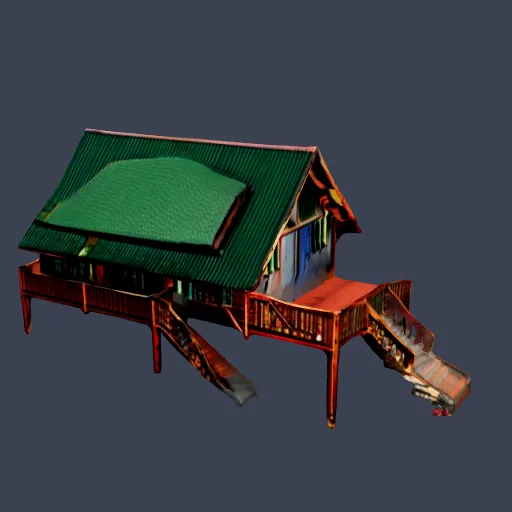
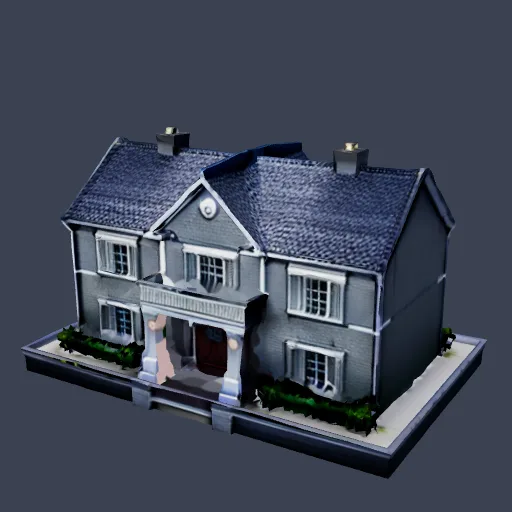
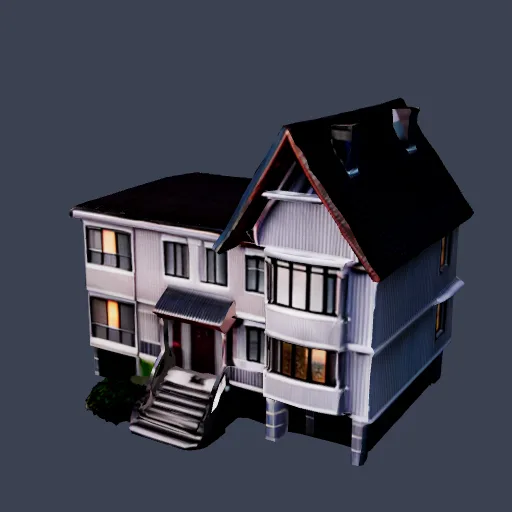
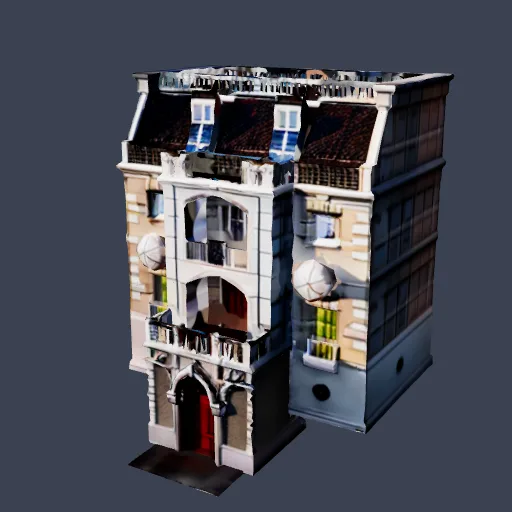
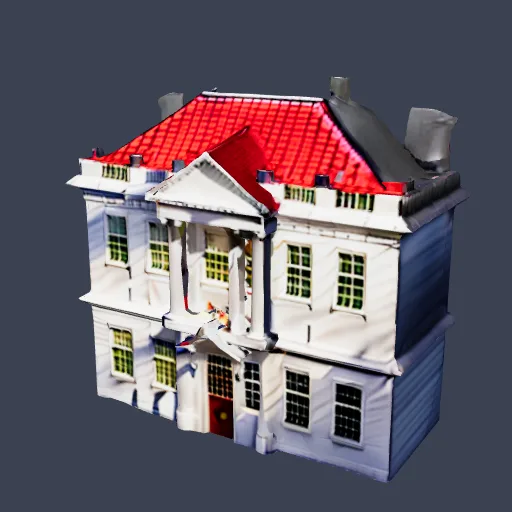
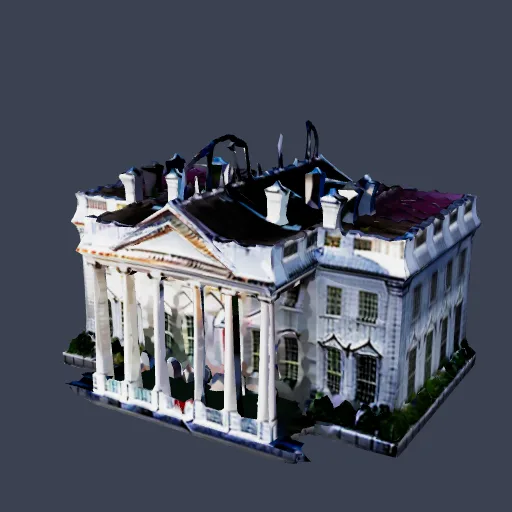
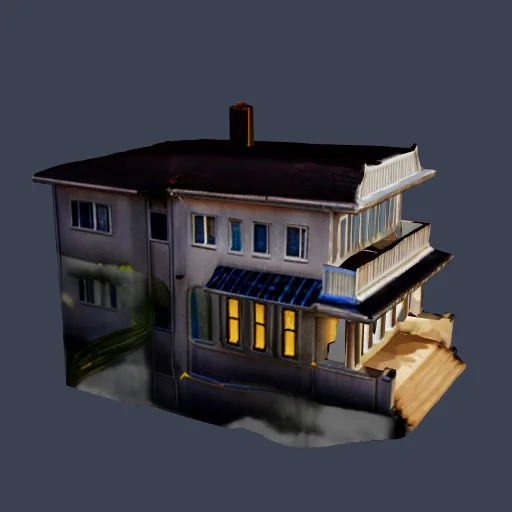
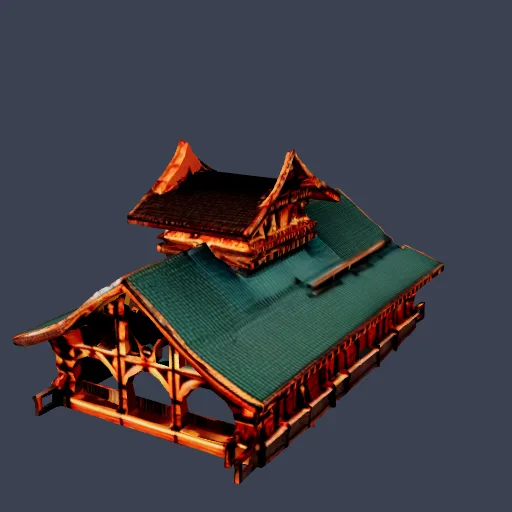
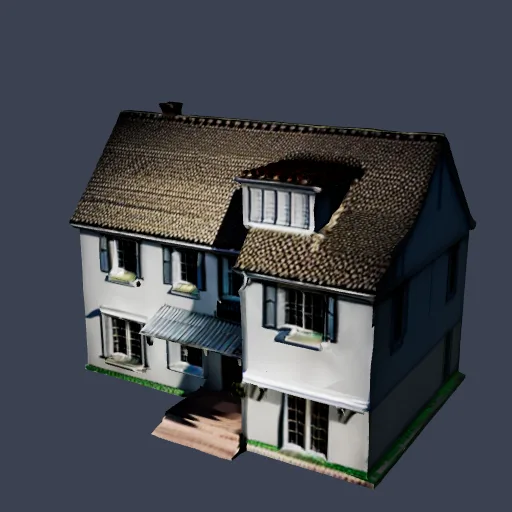
Real results from people who made house models with this site and shared them. Each one started as a short description or a sketch and came out as a textured 3D model. Open any model to spin it around and see it from every side.

More models people made: House 3D models.

How to Make a 3D House from a Description

1

Describe your house

Name the style, the number of storeys, the roof, the wall material and colour, and one or two features such as a porch or a garage. English works best.

2

Generate the 3D house

The AI builds the outside of the house as one textured 3D model. This takes about 1-3 minutes, so keep the page open.

3

Check it and download

Spin the house around in the preview. If it is close, download GLB or STL. If not, change a few words or the seed and run it again.

What the AI 3D house generator makes

This tool turns a short description of a house into one textured 3D model of its outside: the walls, the roof, the porch, the door and the windows, painted in the colours you asked for. It is made for games, dioramas, tabletop scenery, 3D printed model houses and quick visual ideas. You type the house, wait about 1-3 minutes, spin the result around in the preview and download it.

It is a model generator, not a home design suite. If you are after furnished rooms, drag-and-drop editing or a floor plan, read the limits below before you spend credits.

How to describe a house

Good house prompts name one house and describe it in the same order each time: style, storeys, roof, walls and one or two features. Keep it to a sentence or two, in English.

  • Style: Modern, farmhouse, Victorian, Mediterranean villa, log cabin, A-frame, Japanese wooden house, tiny house.
  • Storeys and shape: One-storey bungalow, two-storey, L-shaped, with a round tower or a flat extension.
  • Roof: Gable, hip, flat, black metal, red clay tile, thatched, steep or low.
  • Walls and colours: White board-and-batten, red brick, grey stone, cream stucco, dark wood. Name the door and trim colours too.
  • Features: A wooden porch, an attached garage, a chimney, a balcony, stairs to the front door.
  • One house only: Fences, gardens and a second building in the same prompt often blur the house. Add scenery in your own scene instead.

Example prompts to try

Copy one into the box above and change the details. Results vary from run to run, so try a new seed if the first house is not quite right.

  • Two-storey modern farmhouse with a black metal roof, white board-and-batten walls and a wooden porch
  • Small log cabin with a steep green roof, a stone chimney and a covered front deck
  • Mediterranean villa with terracotta roof tiles, cream stucco walls, arched windows and a round tower
  • Victorian townhouse with a pointed turret, pale blue siding, white trim and a bay window
  • Tiny A-frame cabin in dark wood with a large triangular glass front and a small balcony
  • Single-storey brick bungalow with a red tile hip roof, a green front door and an attached garage
  • Japanese-style wooden house with a low tiled roof, sliding screen doors and a raised veranda
  • Modern white house with a flat roof, curved walls and big glass corners

What to do with your house model

  • Games and scenes: Download the GLB and open it in Blender, Unity, Unreal Engine or Godot. Need another format? Use the formats menu, or convert with GLB to OBJ or GLB to FBX.
  • 3D printing: Download the STL, check it in the STL viewer and fix holes with STL repair. The file is 100 mm on its longest side, so set the size you want in the slicer.
  • Dioramas and tabletop: Scale the STL to your game or railway scale. For ground, hills and roads around the house, try the tabletop terrain generator or the 3D diorama generator.
  • A new look: Want different walls or a different roof colour? Open the model in the AI 3D texturing studio and describe the new colours and materials.

What it cannot do

You get one exterior model, made as a single mesh of up to about 10,000 faces. That is enough for a good-looking model house and not more.

  • No interior: There are no rooms, furniture or doors that open. Only the outside is modelled.
  • No floor plan, no real measurements: The model has no real-world size, and the shape is the AI's reading of your words, not a drawing to build from.
  • No separate parts: Walls, windows and roof are one mesh, so you cannot move a wall. To change the house, change the words and run it again, or try the Edit 3D Model tool.
  • Not home design software: It does not replace an architect or a tool such as Planner 5D. Use it to visualise and print, not to plan or build a house.

More ways to see 3D houses

Browse more building generators for offices, hotels, churches and other buildings, see what others made in the community gallery, or find print-ready ideas on the 3D print ideas page.

What a 3D House Model Is Good For

What people make 3D houses for

🎮

Game scenes and prototypes

Drop a generated house into a village, a city block or a level while you prototype, then import the GLB into your engine

🏘️

Dioramas and tabletop scenery

Make houses for a model town, a wargame table or a railway layout, then scale the STL to your scale in the slicer

🖨️

3D printed model houses

Print a keepsake of a house style, a gift or a desk ornament from the STL file

🖼️

A quick look at an idea

See roughly how a style, roof and colours go together before you talk to a designer. It shows the outside shape and colours, not a plan

📚

Lessons and crafts

Show house styles from different places and times in 3D, or make a model to copy in cardboard or wood

🌐

Web and AR scenes

GLB loads in browser 3D viewers, and the formats menu can save USDZ for iPhone AR Quick Look

Technical specifications for the AI 3D house generator

Input

  • Input type: Text description of one house (English works best)
  • Length: One or two sentences
  • Controls: Seed and inference steps; same prompt and seed recreate a result

Output

  • Downloads: GLB and STL; OBJ, FBX, USDZ and 3MF from the formats menu
  • Mesh: One mesh of up to about 10,000 faces with automatic UVs
  • Texture: Colour texture, included in the GLB
  • Interior: Not modelled: the AI builds the outside of the house
  • Scale: No real-world units; the STL is scaled to 100 mm on its longest side
  • Cost: 15 credits per model

Frequently Asked Questions

It builds a 3D model of a house from your description: the outside shape, the roof, the walls and the colours, as one textured mesh. It does not design rooms, lay out a floor plan or give real measurements. Think of it as a model house generator for games, dioramas, 3D printing and quick visual ideas, not as home design software.
Yes. Upload a photo of a house with the photo tool, or a hand sketch or an elevation drawing with the sketch tool, and the AI builds a model from it. Both are linked in the Other ways in block on this page.
No. The AI builds only the outside of the house, as a single mesh. There are no rooms, furniture, doors that open or floor plans. If you already have a floor plan image and want printable walls, the floor plan to STL tool extrudes its walls on a base in your browser.
GLB and STL are in the preview toolbar. The formats menu there also saves OBJ, FBX, USDZ and 3MF, made in your browser from the GLB. GLB keeps the colour texture and opens in Blender, Unity, Unreal Engine and Godot. The STL is scaled so its longest side is 100 mm, so set the real size in your slicer.
Yes. Download the STL and open it in a slicer such as Bambu Studio, OrcaSlicer or Cura. These are AI-made meshes that are not checked for printing, so look at the shape in the STL viewer first, fix any holes with STL repair, and plan supports for balconies and roof overhangs. Thin chimneys and railings may need to be made thicker or left out of the prompt.
Each house model uses 15 credits. New accounts get 20 free credits, which is enough for one model. Monthly plans add more credits each month, and the pricing page lists the current plans. Depending on your plan, extra STL and other format downloads may need a paid plan or pack.
Yes. Under our Terms of Service you keep the rights to the models you generate, on free and paid plans, as long as you have the rights to what you describe.

Application Integrations

Seamlessly integrate with your favorite platforms and tools

Blender

Open the GLB, or the OBJ from the formats menu, to edit, texture or render the house

Game Engines

Import the GLB into Unity, Unreal Engine or Godot, or save FBX from the formats menu

Slicers

Open the STL or 3MF in Bambu Studio, OrcaSlicer or Cura

iPhone AR

Save USDZ from the formats menu to view the house in AR Quick Look

Ready to make your 3D house?

Describe a house at the top of this page and get a textured 3D model you can spin, print and drop into a scene.

See what others made
No 3D modelling experience needed
A model in about 1-3 minutes
GLB and STL downloads
You keep the rights to your models